
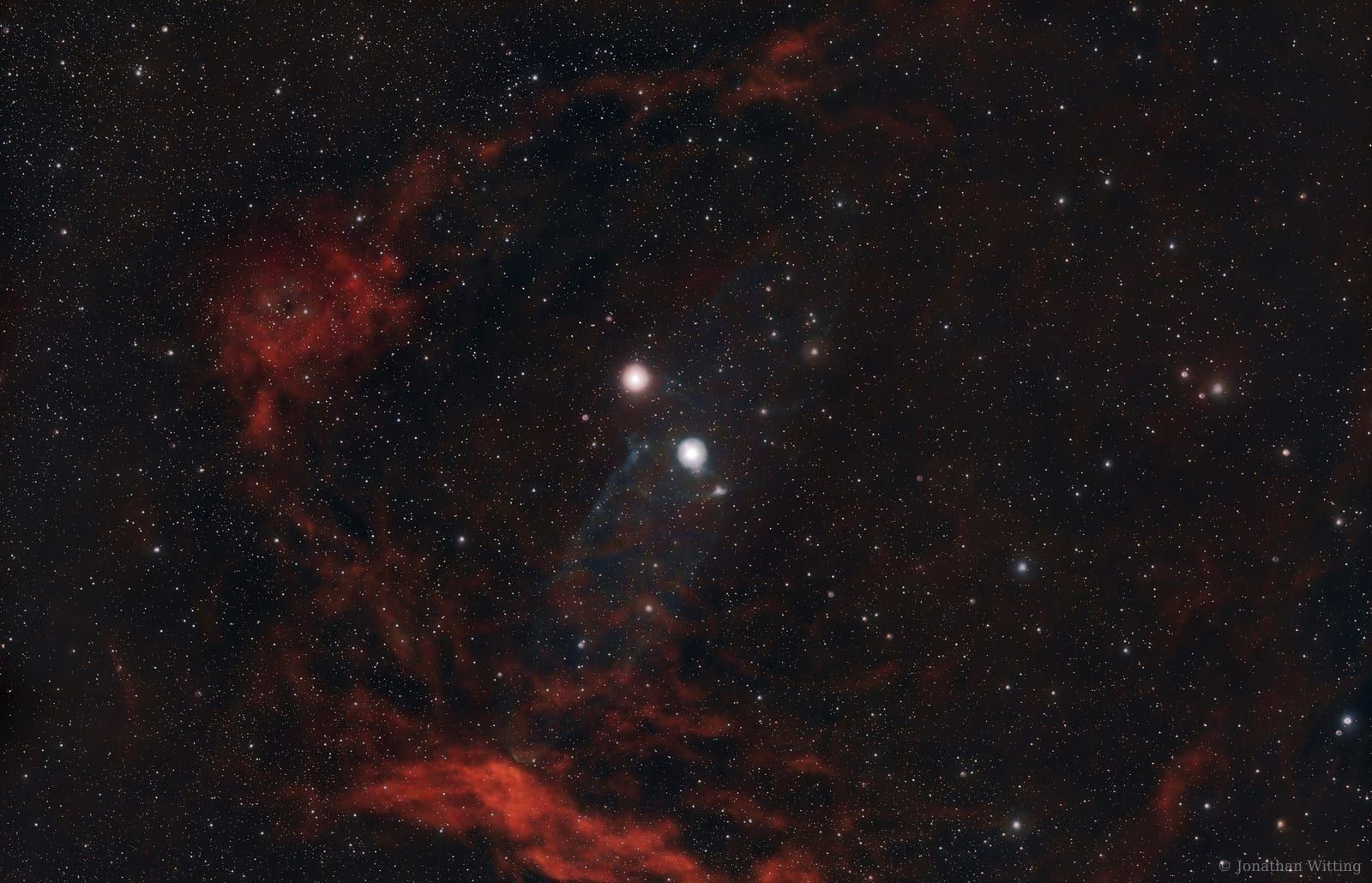
Towards the end of 2023 I set myself a little challenge on the YouTube channel: could I explain a PixInsight tool in 60 seconds flat? PixInsight has a reputation for being intimidating, and I get it, the interface looks like the cockpit of a 747. But the truth is that a handful of tools do most of the work on every image I process, and none of them takes more than a minute to learn.
So here they all are in one place: the four quick wins, roughly in the order I'd use them, each with its 60-second video. Put the kettle on and you can watch the lot before it boils.
DynamicBackgroundExtraction: flatten those gradients
Gradients are a fact of life for a back-garden astrophotographer. Street lights, the
Moon, a neighbour's security light; something is always tilting the sky in your data.
DynamicBackgroundExtraction (DBE to its friends) makes short work of it.
You'll find it under Process, then Background Modelization. Hit generate and it scatters sample boxes across the image; adjust the tolerance and sample count until the background is well covered, then nudge any boxes off stars or nebulosity. Set the correction mode to Subtraction and run it. Here's the bit people often miss: save a copy of the process first, then run it again on the result with the mode set to Division. That double pass is what gets you a properly flat background.
SCNR: kill the green cast
Stacked astro images have a habit of coming out with a sickly green tinge, and SCNR
is the quickest fix I know. One slider, a couple of seconds, done.
It lives near the bottom of All Processes. Apply it with the default amount of 1 and
compare before and after; on most images the green is simply gone. If the default feels
heavy-handed, dial the amount back and reapply. A bonus tip that didn't make the video:
invert the image first (Ctrl/Cmd + I), run SCNR, then invert back. Running it on the
inverted image can tame magenta casts too.
BlurXTerminator: sharpen the detail
This one is a paid plugin from RC Astro rather than a built-in, but it earns its place.
BlurXTerminator handles deconvolution, which is a fancy way of saying it sharpens
real detail and tidies up your stars.
Once installed it appears under Deconvolution. The default settings work remarkably well, so I tend to apply them as-is and marvel at the result; on my Squid Nebula data it pulled out detail in the head of the squid that I didn't know was there. If your stars carry noticeable halos, the halo reduction setting is worth a play too. You can grab it from rc-astro.com.
NoiseXTerminator: clean up the noise
The companion plugin to BlurX, and the tool I use to deal with astrophotography's constant enemy. I run it late in the workflow, once the stretching is done.
Find it under Noise Reduction. There are only a couple of options, which is part of its charm: apply the defaults first and the improvement is usually drastic, then experiment with the strength if you want to fine-tune. It behaves differently from image to image, so trust your eyes over any recipe. It's available from rc-astro.com as well.
That's the whole toolkit: flatten, de-green, sharpen, de-noise. Four minutes of video for four tools that transformed my processing. If any of them earns a place in your workflow, a subscribe on YouTube keeps the quick tutorials coming.
Clear skies!